Skip to course

Programmes / AI, design & entrepreneurship

MEET THE NEXT GENERATION OF “WHAT IF?”

AI FuturePreneur
Big ideas start
with a little play.

Invent something useful. Make something worth sharing.

Build a solution that helps someone. Or create a product someone wants to buy. Both journeys bring AI, hands-on making and the confidence to pitch an idea together.

THE IDEA PLAYGROUND / IMPACT MAKERS

A little AI.
A better way to recycle.

What if a bin could recognise what you are holding? Teach the idea, then try sorting an item.

01 / TEACH THE MODEL
Add labelled examples ✦
Paper
Plastic
Metal
📄 Paper
🧴 Bottle
🥫 Can

Start by adding labelled examples of paper, plastic and metal.

Interactive illustration, not live AI. In the project, students train an image model to recognise different recyclables and trigger the matching bin lid.
TRY A KIDZBIZ DECISION

A good idea.
But at what price?

A product costs money to make. What happens when you change the selling price?

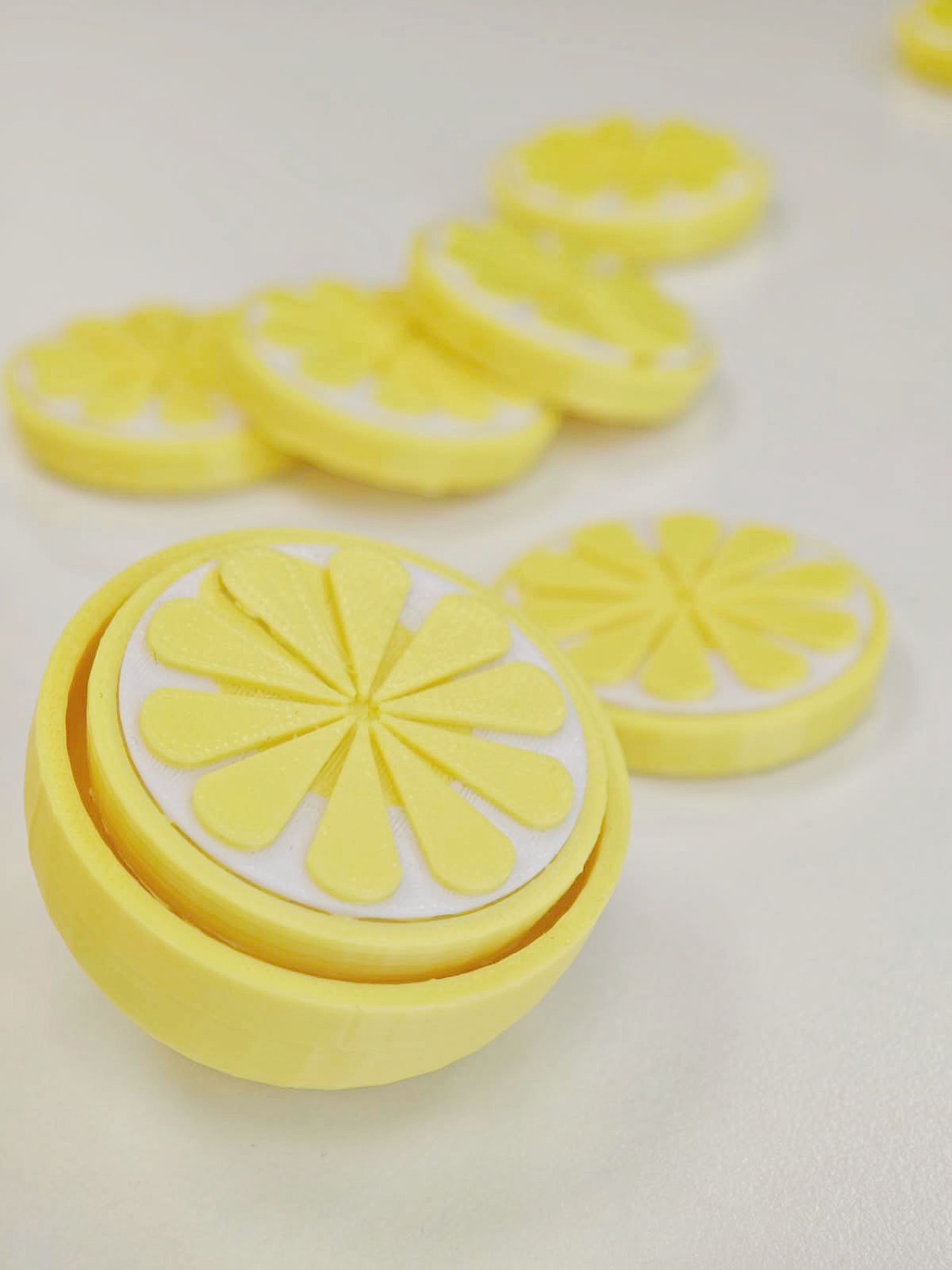
Yellow lemon-shaped clickers made through 3D printing
REAL PRODUCT · EXAMPLE NUMBERS

A lemon clicker

Example unit cost
HK$20
Set a selling priceHK$35
Price minus unit cost
HK$15 per item

What would make a customer choose your product?

Try a pricing decision using an example cost. These are illustrative figures, not the actual cost or selling price of the student’s lemon clickers. Excludes labour, fees and other expenses.

A STARTING POINT
Ages 8 and above
TIME TO MAKE & THINK
1.5 hours per lesson
LEARN WITH SUP
Lai Chi Kok · Causeway Bay
MORE THAN A FINISHED BUILD
An idea they can explain

LET THEIR CURIOSITY LEAD

Which question
sounds like them?

Pick the thought that feels most familiar. This is a conversation starter, not an assessment.

01
“Why does this happen?”

They want to investigate a problem and invent a way to help.

02
“Could I make my own?”

They love creating things and wonder who might want them.

03
“Can I try both?”

They are curious about inventions, products and everything between.

A STARTING POINT, NOT A LABEL

There is room for more than one kind of thinker.

Choose a question above to explore a possible starting point.

Help us choose ↗

THE SUP LEARNING APPROACH

From a curious question
to a confident pitch.

Children learn to make choices, test them and explain their thinking. AI supports the process; their ideas and judgement give it direction.

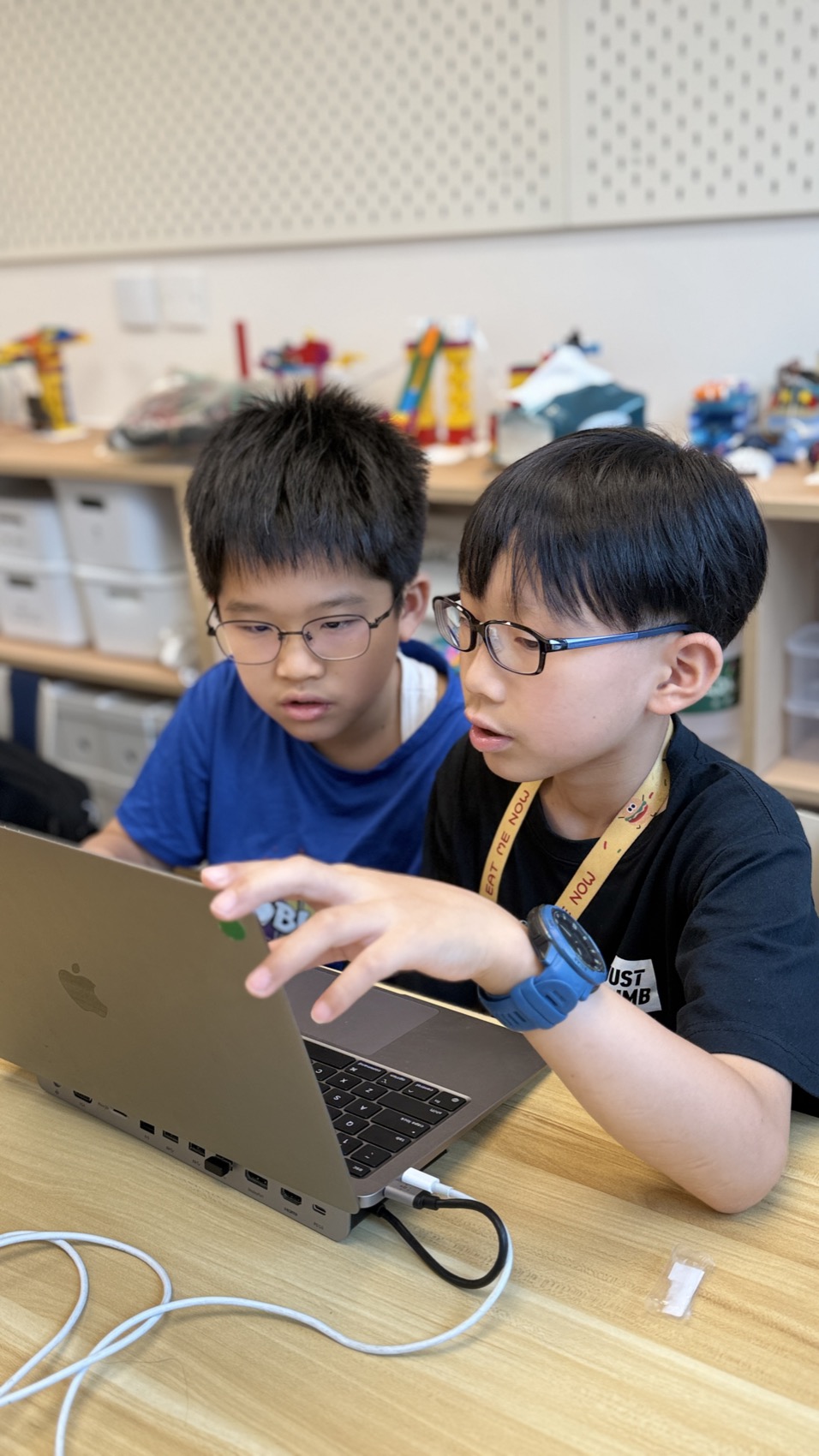
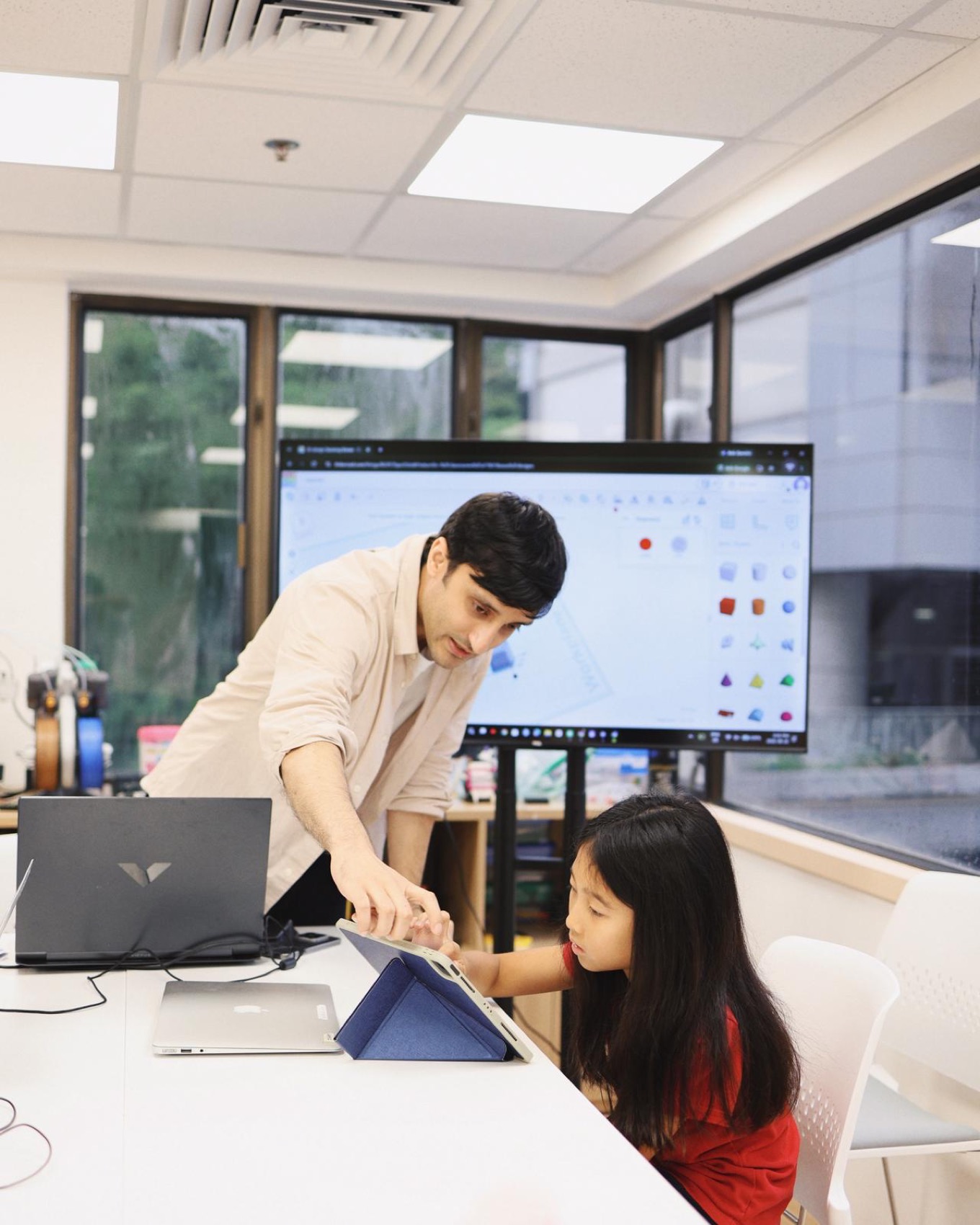
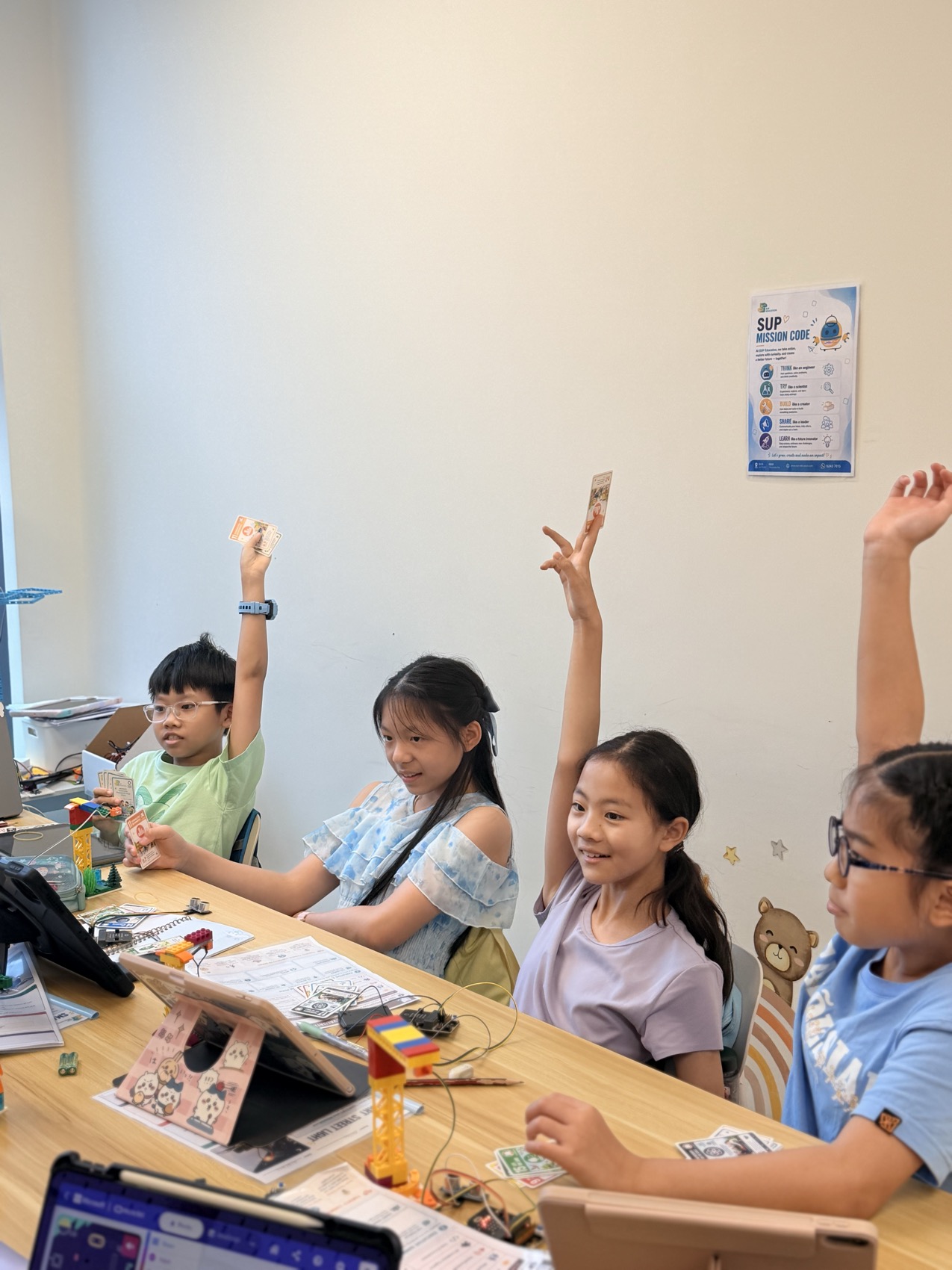
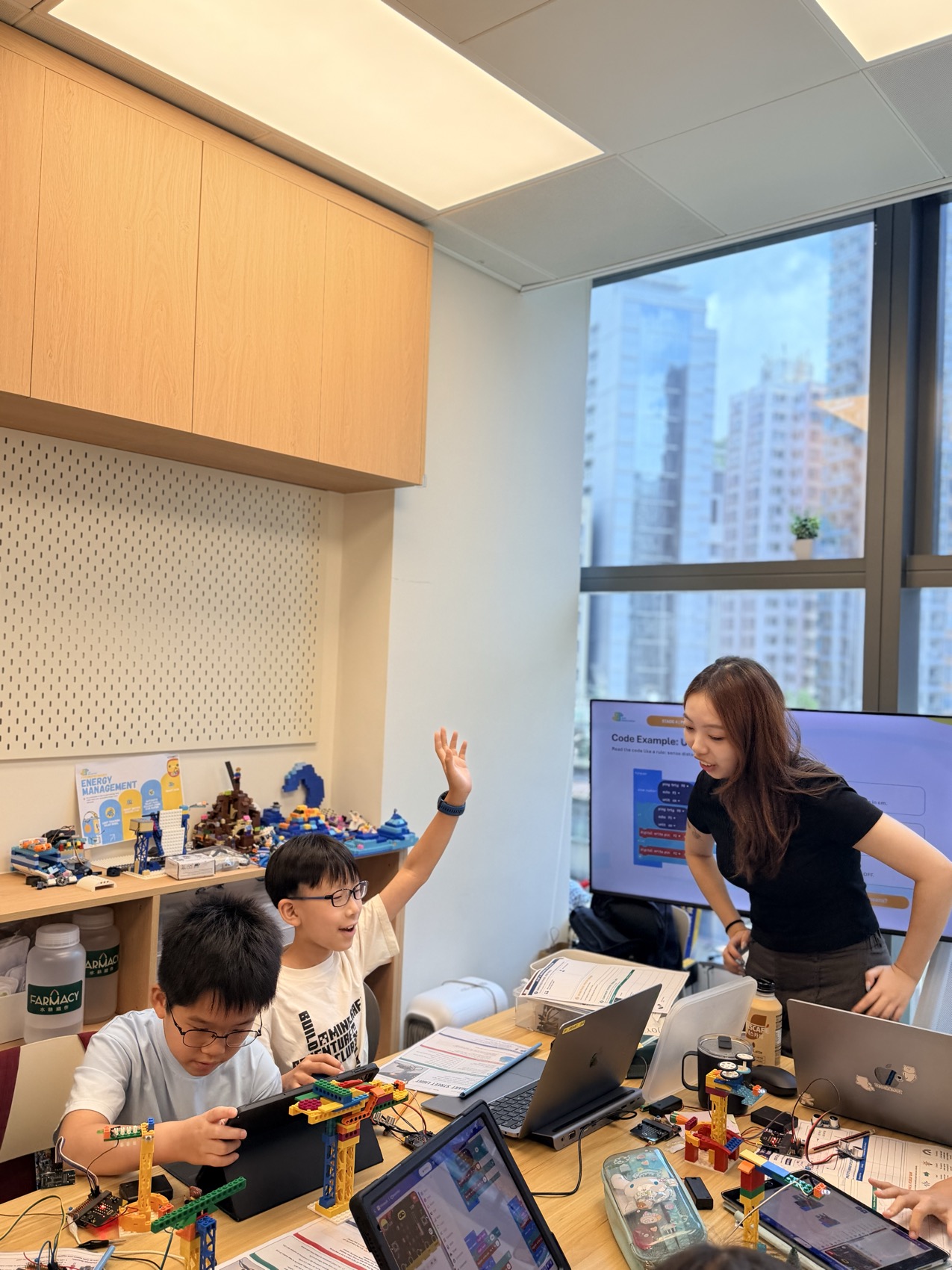
A SUP teacher guiding the class through their ideas
IDEAS GROW THROUGH CONVERSATION
A question. A conversation.
A new possibility.
01

Start with people

Understand who an idea is for and what would make it useful.

02

Make it tangible

Turn a sketch into a prototype or a product you can hold.

03

Test. Learn. Improve.

Use feedback and failed attempts to make the next decision.

04

Pitch with purpose

Explain the idea, demonstrate its value and answer questions.

ONE PROGRAMME. TWO CREATIVE DIRECTIONS.

What would they
love to create?

Choose by the questions that excite your child. One stream explores solutions for people and the planet; the other explores products, customers and business.

Students exploring ideas together
01 / Impact Makers

Could we make the world better?

For curious problem-solvers who want to understand the world and build something that helps.

They create
A prototype responding to a real-world problem
They explore
AI-assisted research · design thinking · model training · physical prototyping
They share
A clear, evidence-led Shark Tank pitch: the problem, the idea and why it matters

Junior: ages 8–12 · Senior: ages 13+

💻 BYOD · Laptop required
Ask about Impact Makers
Learning how a design becomes a 3D-printed product
02 / KidzBiz
“Would someone
buy my idea?”

From “I made this” to “Would you like one?” Children learn to create, understand money and tell a story that connects with real people.

They create
An original 3D-designed product and a small business plan
They explore
AI × Financial Literacy × Pitching × 3D Printing × Real-life Application
They share
A product pitch, a creator’s story and real-world selling experiences such as CreatorChella

Three tiers · 12 lessons per tier

💻 BYOD · Laptop required
Mouse recommended
Ask about KidzBiz

Interested in both? Ask us how the two streams could fit across different terms.

INSIDE IMPACT MAKERS

A big problem.
A first possible solution.

Research with AI. Build with purpose. Make a case for change. Our seven-stage journey takes an idea beyond the prototype—into sustainability and a confident pitch.

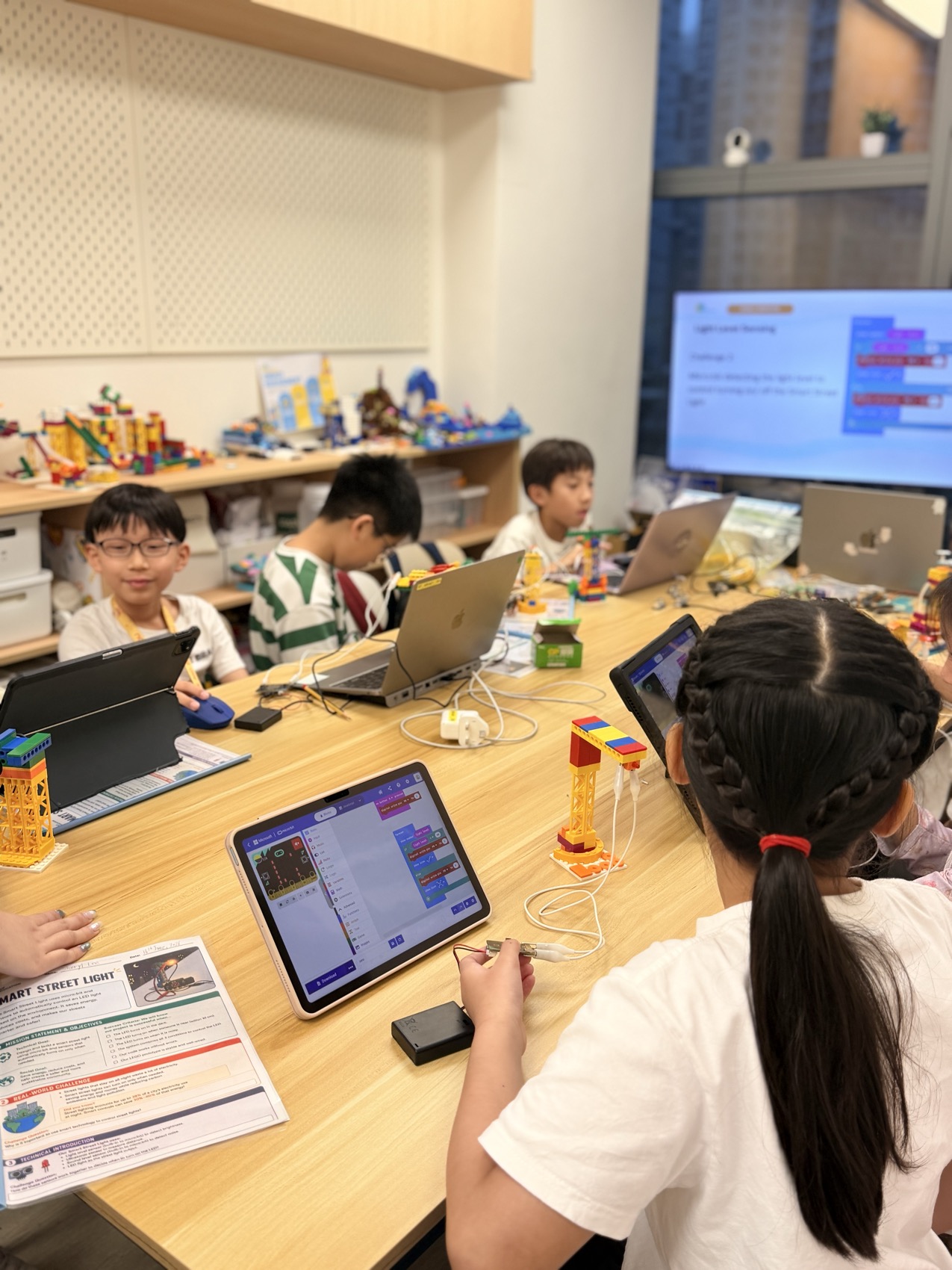
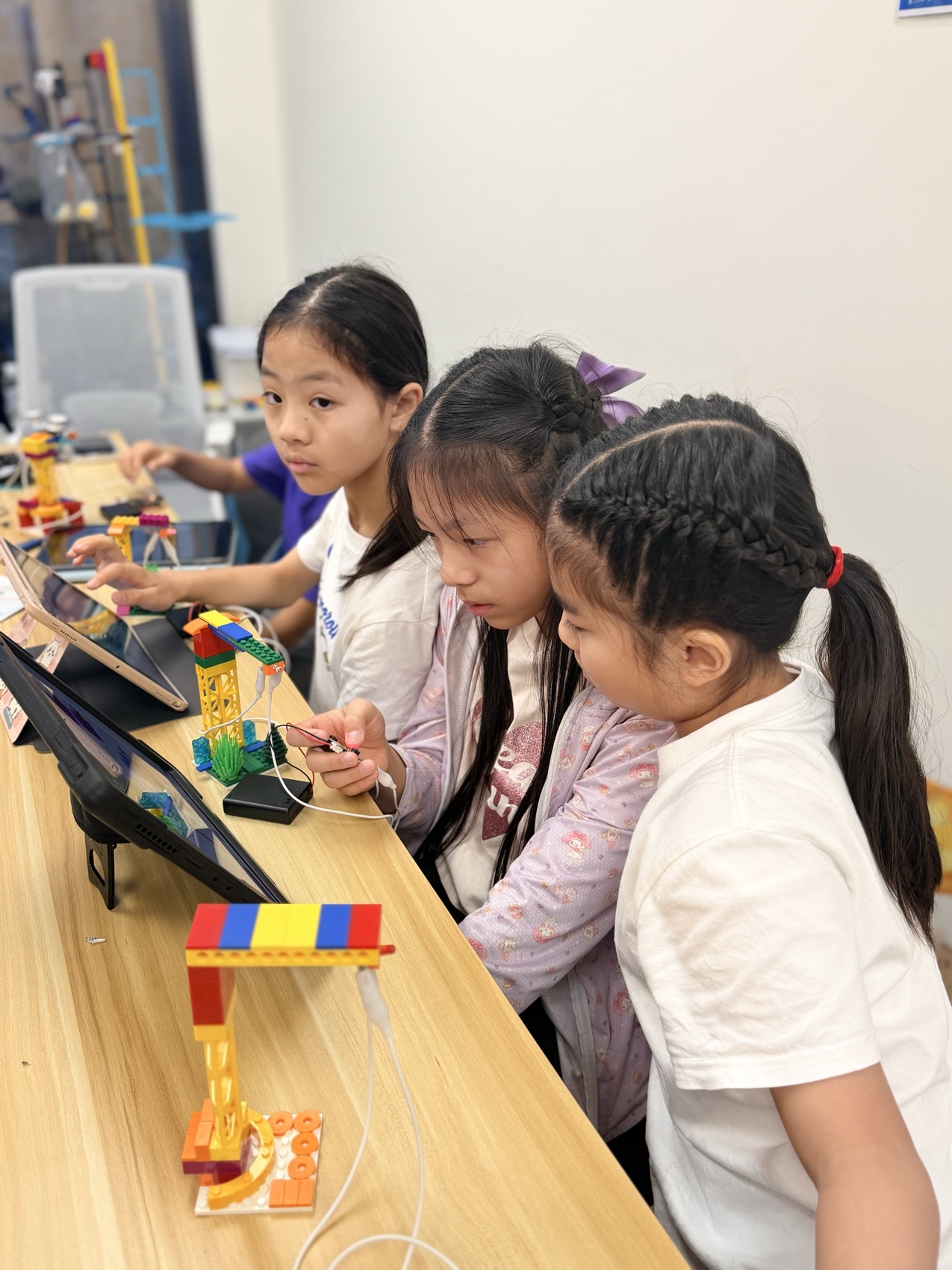
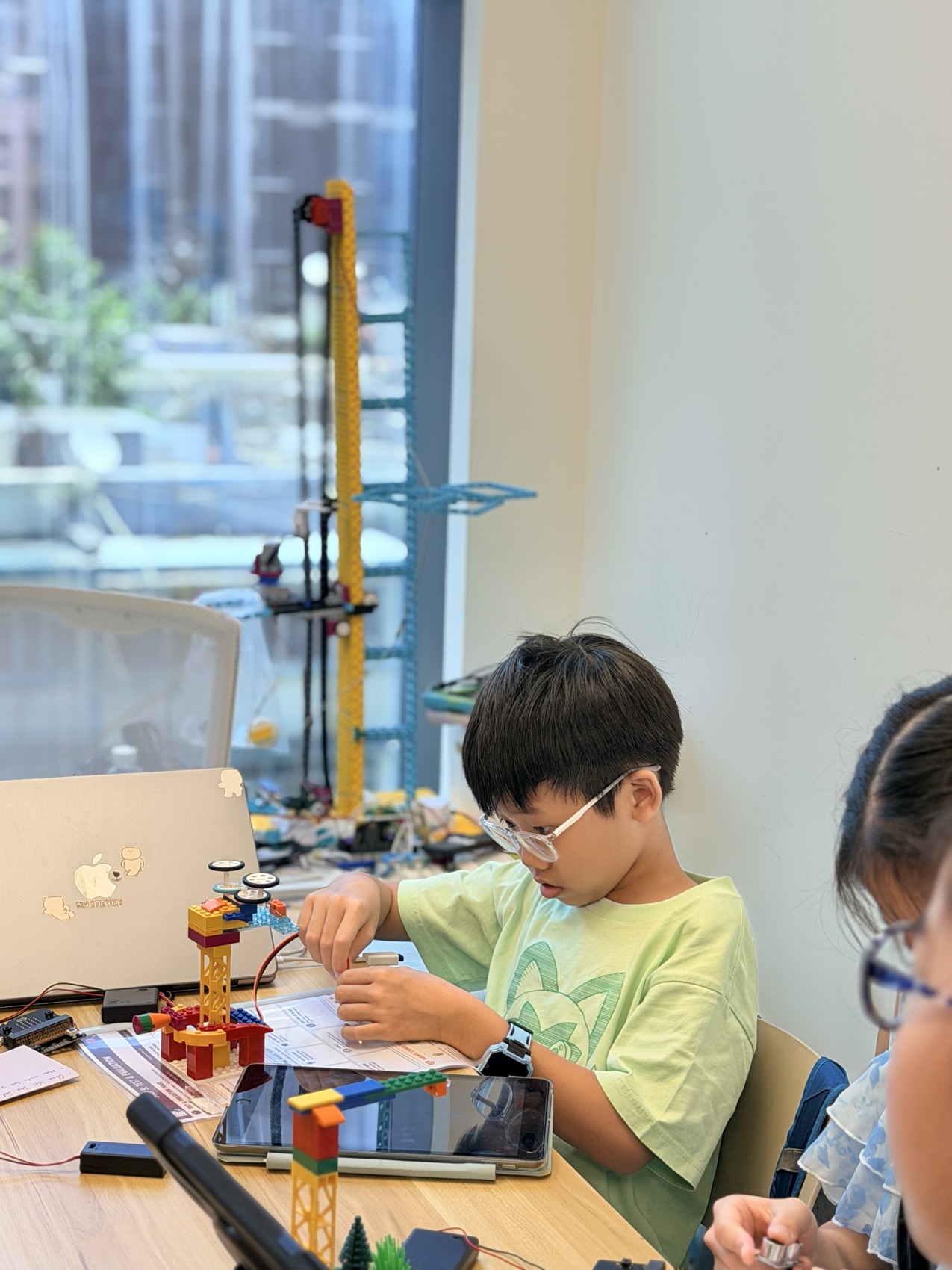
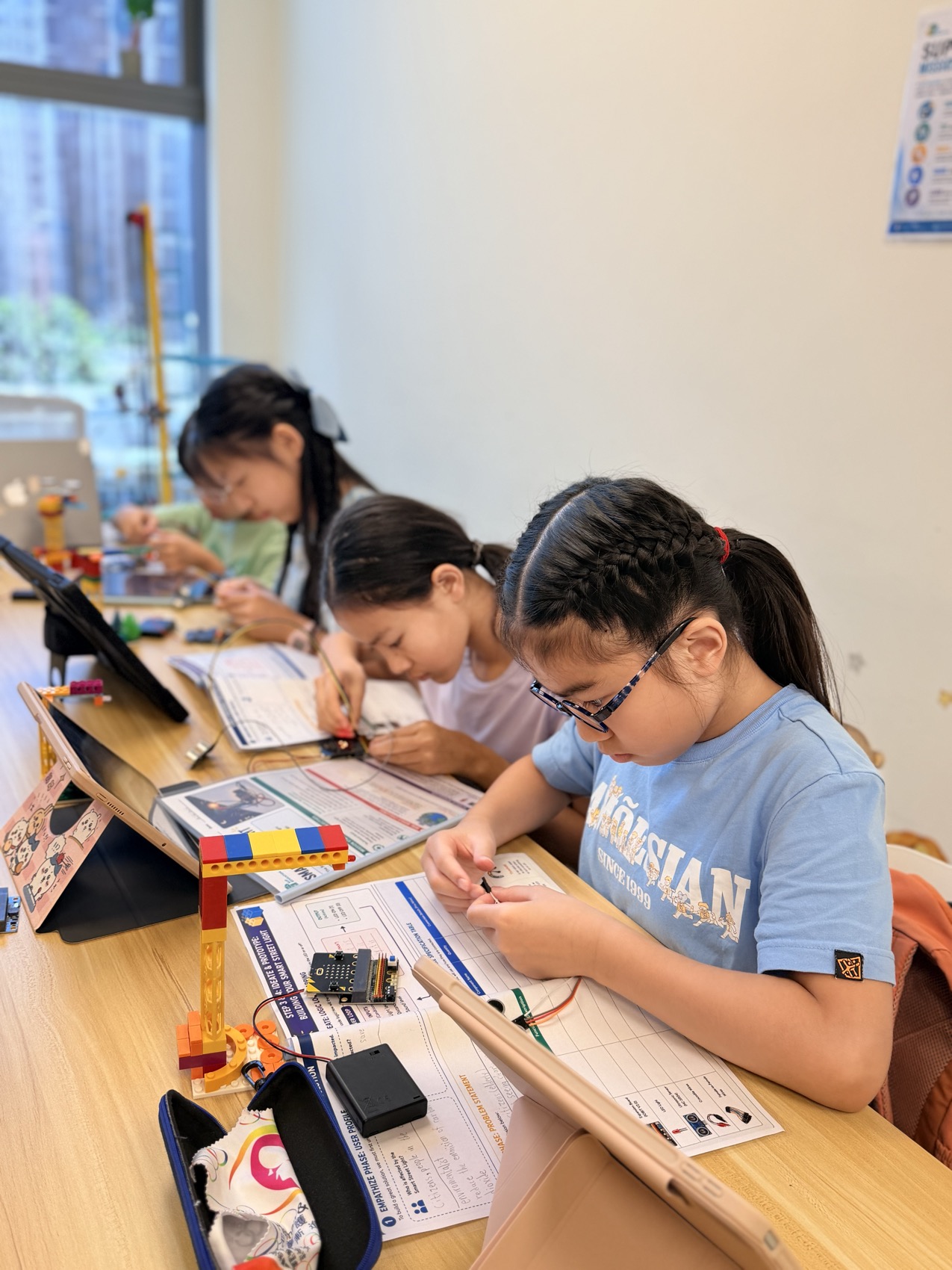
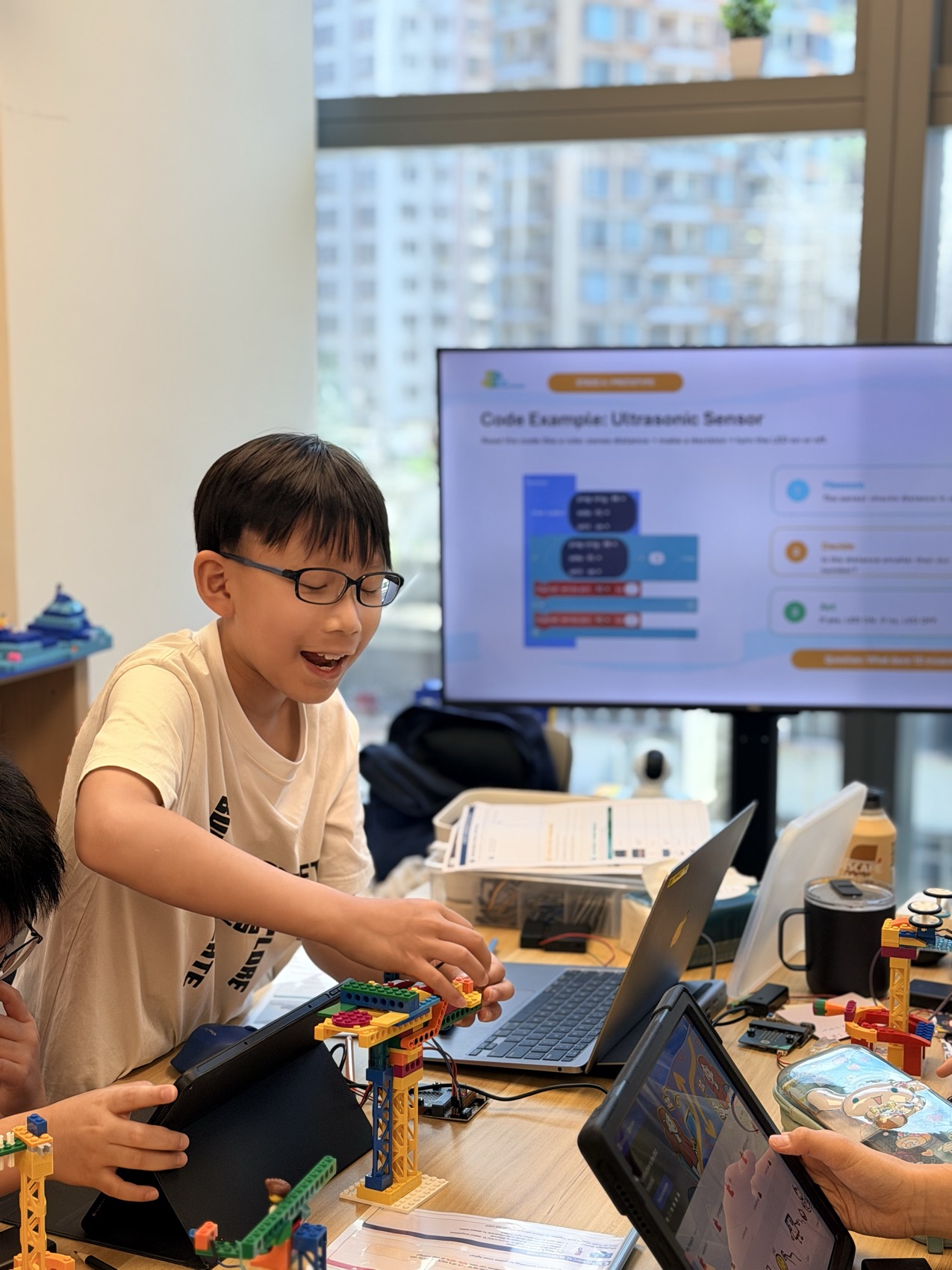
Impact Makers students learning through research, making and sharing
THE JOURNEY / 01 OF 07

Start with the person, not the gadget.

Students use questions, observation and AI-assisted research to understand who needs help. They compare what AI suggests with what they can find out for themselves.

A question to try together +

Who has this problem, and what is difficult for them?

Impact Makers students learning through research, making and sharing
THE JOURNEY / 02 OF 07

Turn a big concern into one useful question.

“There is too much waste” becomes “How could we make sorting recyclables easier?” A focused question gives their design a clear purpose.

A question to try together +

What is one small change that could help?

Impact Makers students learning through research, making and sharing
THE JOURNEY / 03 OF 07

Make room for the unexpected idea.

Explore possibilities with AI, sketch different approaches and discuss the trade-offs. Students decide which idea deserves a first prototype—and explain why.

A question to try together +

Could you solve this in a completely different way?

Impact Makers students learning through research, making and sharing
THE JOURNEY / 04 OF 07

Give the idea something you can test.

Students combine coding, sensors and AI with a physical build. For an AI recycling bin, that means labelled training examples, recognising materials and opening the matching lid.

A question to try together +

What is the smallest version you could build?

Impact Makers students learning through research, making and sharing
THE JOURNEY / 05 OF 07

A wrong answer can be the best clue.

Does a model confuse a bottle with a can? Students look at their examples, test different angles and improve the system. They learn to explain what works, what fails and what to try next.

A question to try together +

What would you change if the wrong lid opened?

Impact Makers students learning through research, making and sharing
THE JOURNEY / 06 OF 07

Connect their idea to a bigger picture.

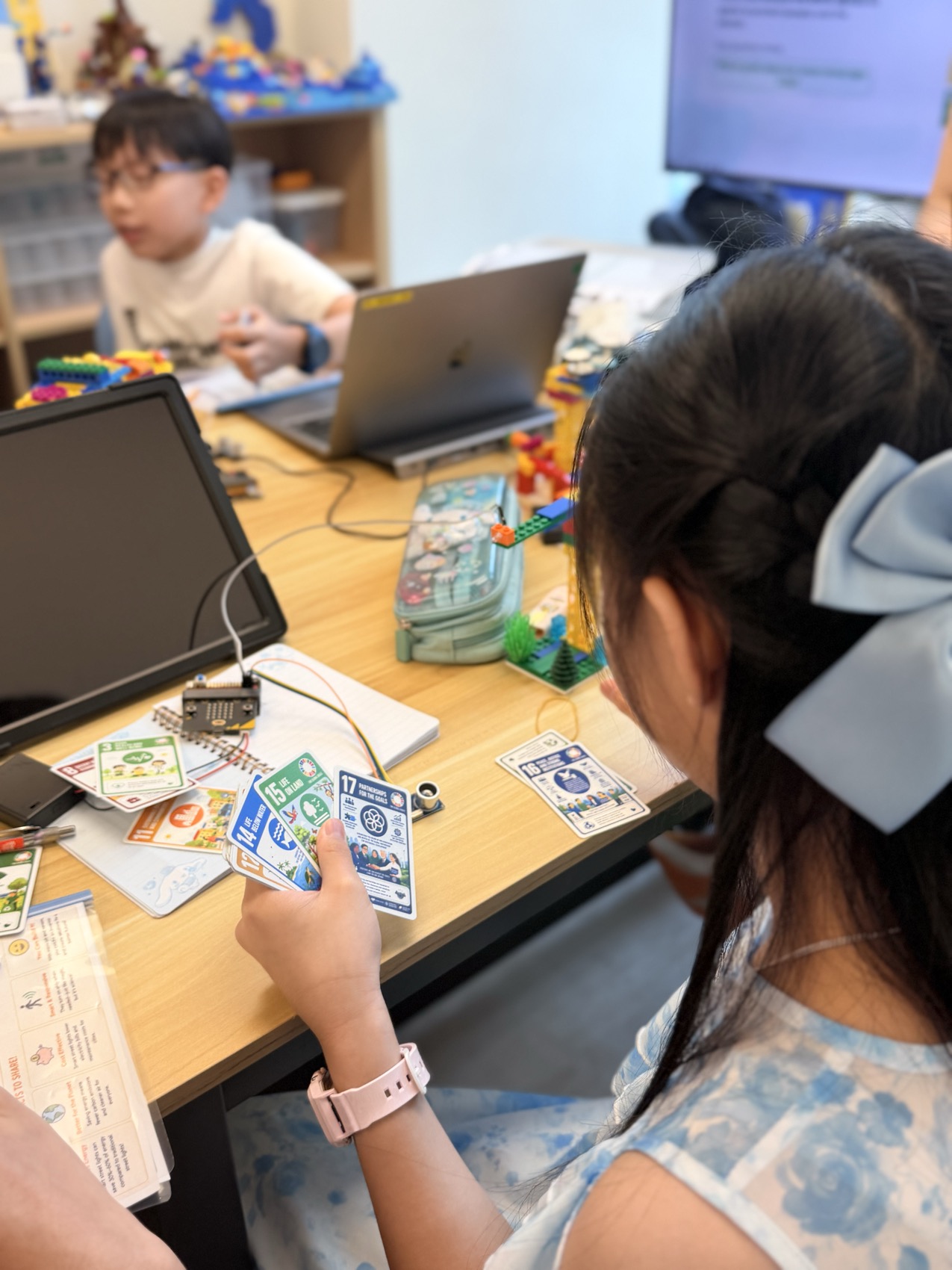
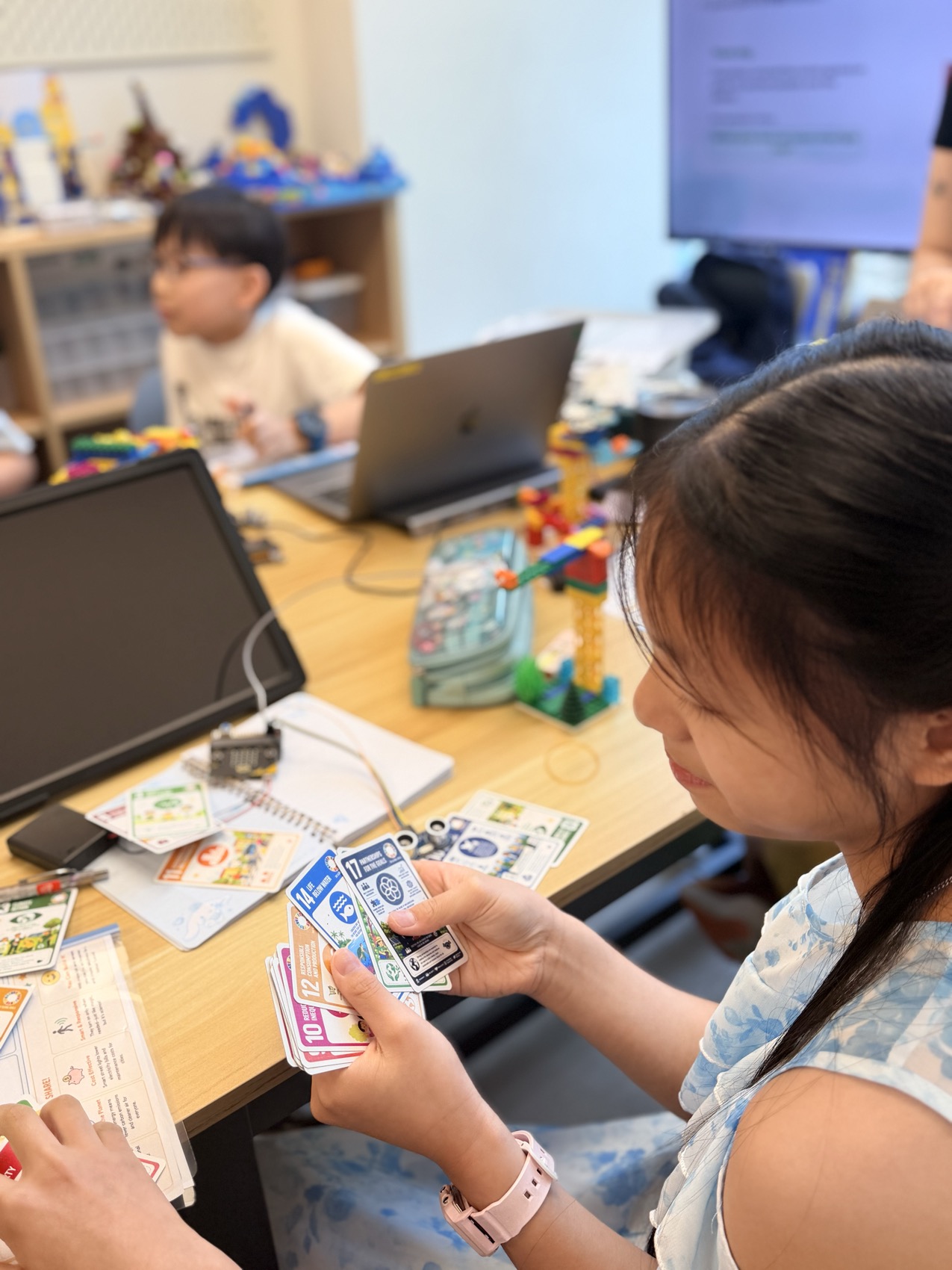
In SUP’s own SDG card game, students connect their project with the Sustainable Development Goals. The challenge is to explain the relationship, not simply choose a logo.

A question to try together +

How could better recycling support responsible consumption?

Impact Makers students learning through research, making and sharing
THE JOURNEY / 07 OF 07

Make someone else believe in the possibility.

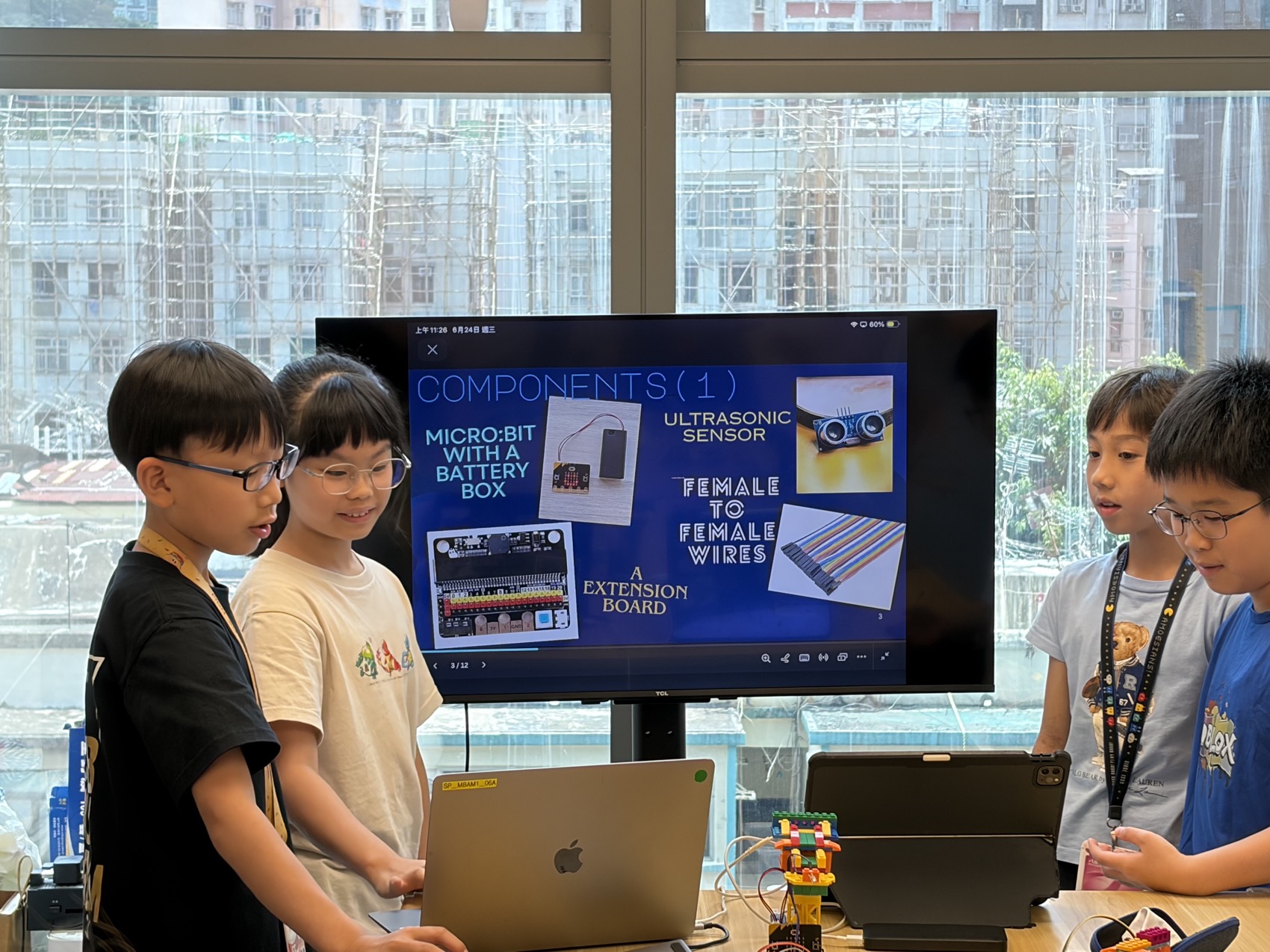
Students present the problem, demonstrate their solution and explain the evidence behind their choices. Answering questions helps them turn project knowledge into a confident, persuasive pitch.

A question to try together +

Why does your idea matter—and how do you know?

PROJECT THEME / 01

Ocean conservation

How could a sensor help us understand changes in an ocean habitat?

PROJECT THEME / 02

Energy management

Could a light respond to when it is actually needed?

PROJECT THEME / 03

Waste management

Train an AI model to recognise recyclables and open the right bin.

PROJECT THEME / 04

Smarter cities

Could we help a plant get the water it needs?

The final challenge: make someone else understand it.
Students pitch the problem, their solution and what they learned along the way.
💻 BYOD · Laptop required

Research, build, connect to the SDGs and pitch—with their laptop as a learning tool.

INSIDE KIDZBIZ

Made by them.
Ready for the real world.

AI × Financial Literacy × Pitching × 3D Printing × Real-life Application. Children follow an idea into the real world: what to make, what it costs and how to share it with a customer.

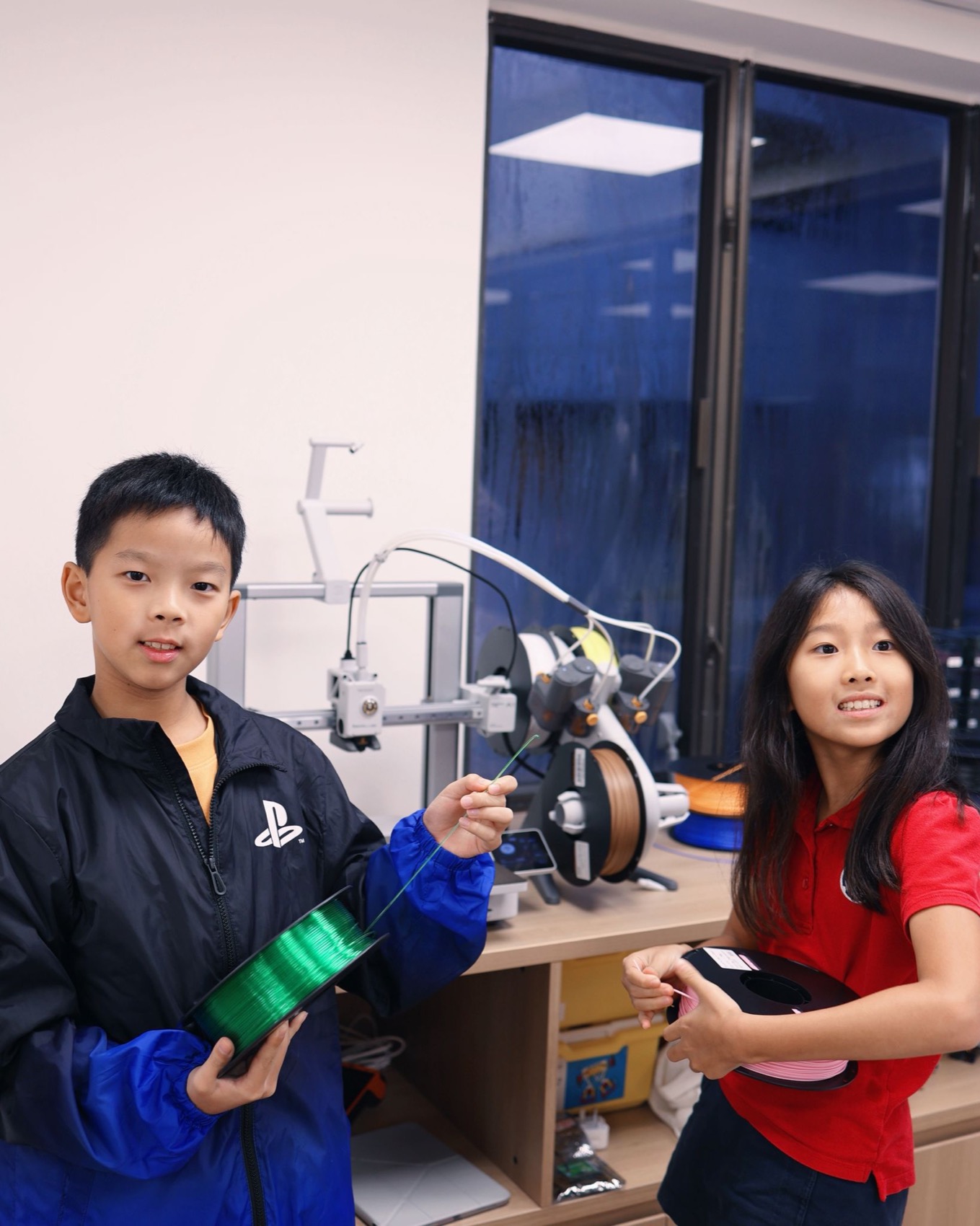
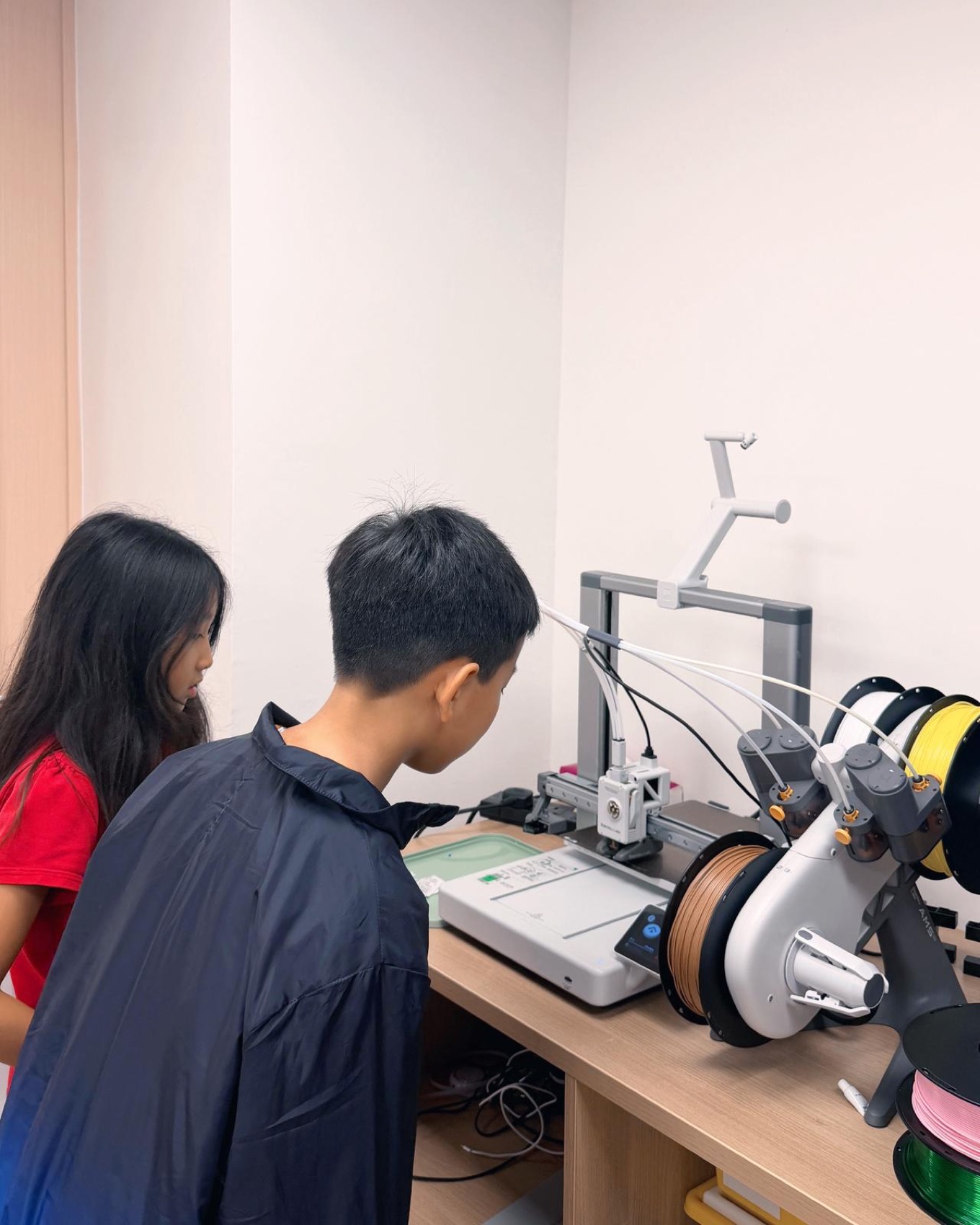
Exploring a 3D printer with a teacher
KIDZBIZ / LEARNING BY MAKING

HOME GADGETS

One product. A first customer.

  • Design a useful home product in Tinkercad
  • Explore 3D printing and what a product costs to make
  • Use AI to support product copy and photography planning
  • Introduce the product at a first Market Day
They work towards
A first product, a price and a pitch.
💻 BYOD · Laptop required
Mouse recommended
A teacher supporting students as they develop ideas
KIDZBIZ / LEARNING BY MAKING

DESK & STUDY ACCESSORIES

Listen. Improve. Grow.

  • Develop a second product using customer feedback
  • Plan stock and explore bundles
  • Create product video and social campaign ideas
  • Compare the costs and results of two products
They work towards
A growing product range and a clearer view of the numbers.
💻 BYOD · Laptop required
Mouse recommended
Sharing a 3D printing learning moment
KIDZBIZ / LEARNING BY MAKING

PERSONALISED GIFTS

Give the idea a business of its own.

  • Develop a brand, packaging and a business plan
  • Explore break-even and profit-and-loss thinking
  • Prepare a marketing campaign
  • Practise an investor-style pitch and a final Market Day
They work towards
A brand story and a portfolio of business decisions.
💻 BYOD · Laptop required
Mouse recommended
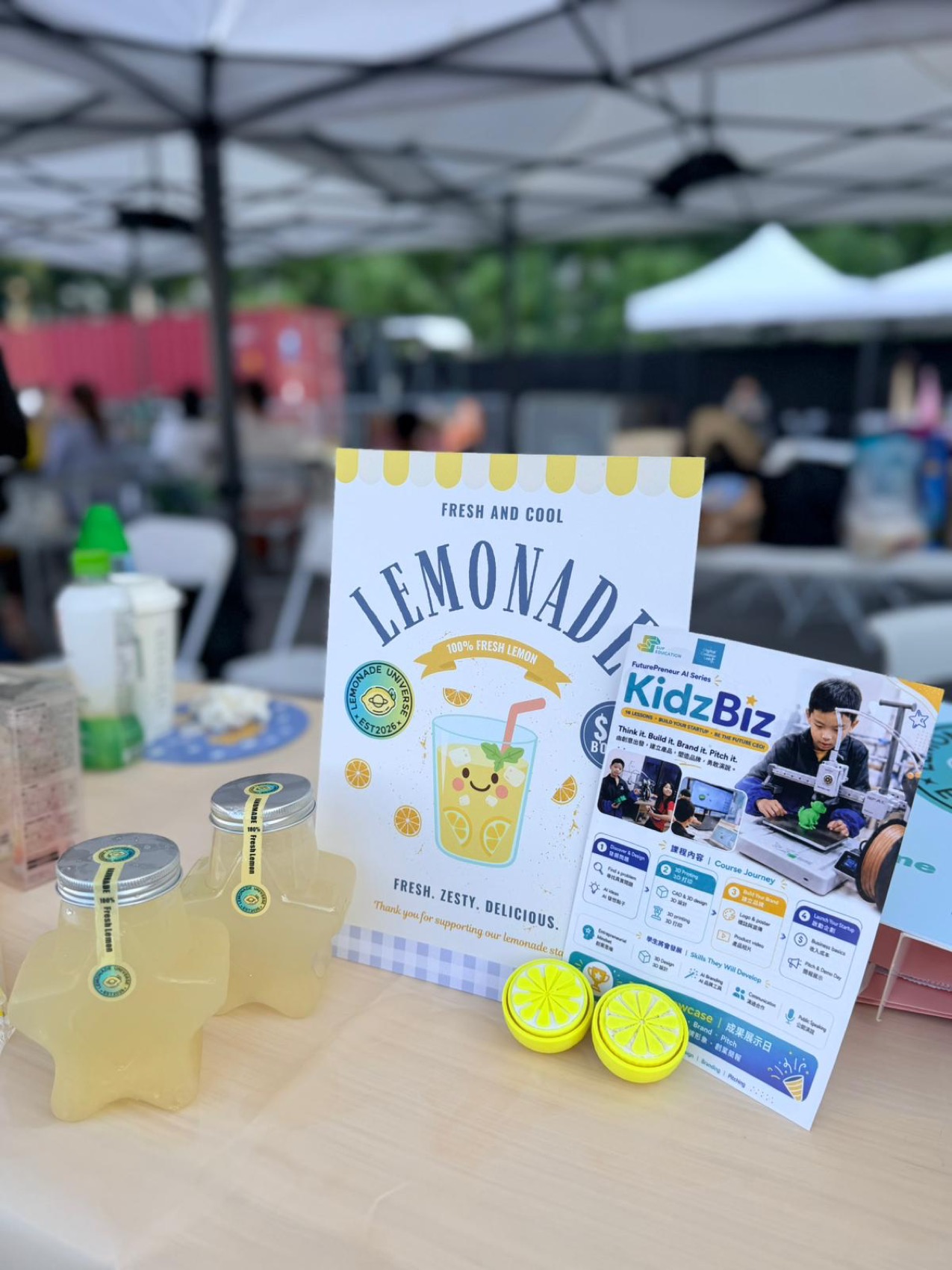
The lemonade stall at CreatorChella3D-printed lemon clickers

A REAL KIDZBIZ STORY / CREATORCHELLA

When life gives you lemons,
make your next idea.

At CreatorChella, our student Adam had the chance to sell lemonade to real customers. Back at SUP, that experience opened another possibility: what else could he create?

Learning the fundamentals of 3D printing, he made lemon clickers to sell. A familiar fruit became a product of his own—and an opportunity to connect making with business.

A real audience gives every decision a reason: the design, the price and the way you introduce it.

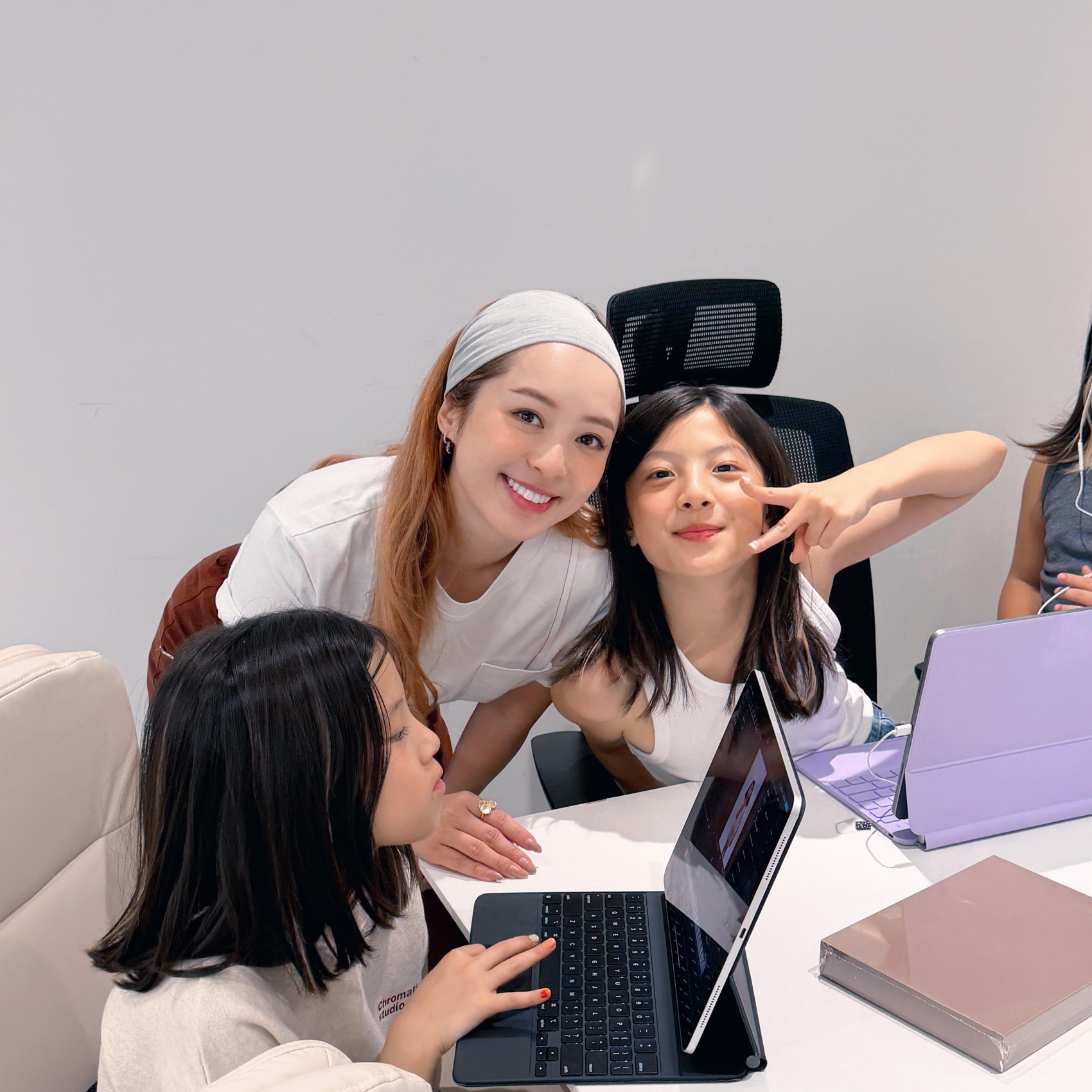
Pamela supporting students during a Digital Creator Lab session
SUP × DIGITAL CREATOR LAB
A good product
needs a story.

In collaboration with DCL (Digital Creator Lab), led by Hong Kong content creator Pamela, students learn how creators bring an idea to life on screen.

From shaping a video to editing and presenting for YouTube, professional guidance helps them communicate what they made—and why someone should care.

Video creation
Editing
Presenting

BEFORE THEIR FIRST IDEA

A little more
clarity.
Talk to our team
Which stream is right for my child?

Impact Makers focuses on solving a problem through a prototype. KidzBiz focuses on designing a product and exploring its business potential. Share your child’s age and interests with our Education Consultants for placement advice.

How old should my child be?

The supplied programme plan starts at age 8. Impact Makers includes Junior (8–12) and Senior (13+) tracks. Ask us about the suitable class group for your child.

Do we need to bring a device?

A laptop is required for both Impact Makers and KidzBiz. Please bring it charged, together with its charger. Ask our Education Consultants about device compatibility and any software or account setup before the first lesson. A mouse is recommended for KidzBiz, especially for 3D design.

How long is the programme?

Lessons are planned for 1.5 hours. Impact Makers follows project-based design-thinking cycles; KidzBiz is organised into three tiers of 12 lessons. Ask about the current timetable and entry options.

Will parents see what students have made?

The programme plan includes parent-invited pitches for Impact Makers and a Market Day at the end of each KidzBiz tier. Dates and arrangements will be confirmed by SUP.

How do we enquire about a trial or fees?

WhatsApp our Education Consultants with your child’s age, interests and preferred campus. We’ll help you explore stream placement, current fees and trial availability.

THE NEXT STEP

What will they
make possible?
Tell us what sparks their curiosity.
We’ll help you find a starting point.
Contact our Education Consultants
Enquire about FuturePreneur
×
←
→